Description
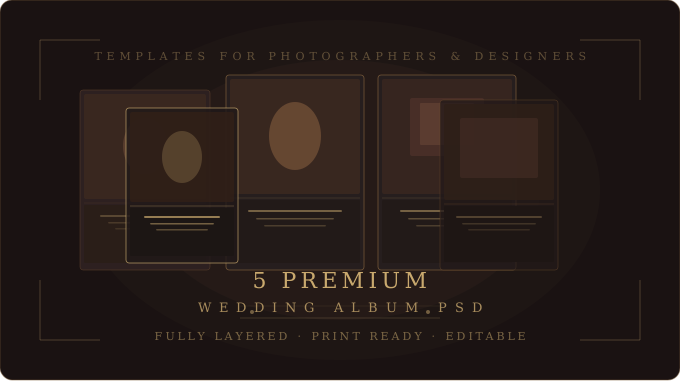
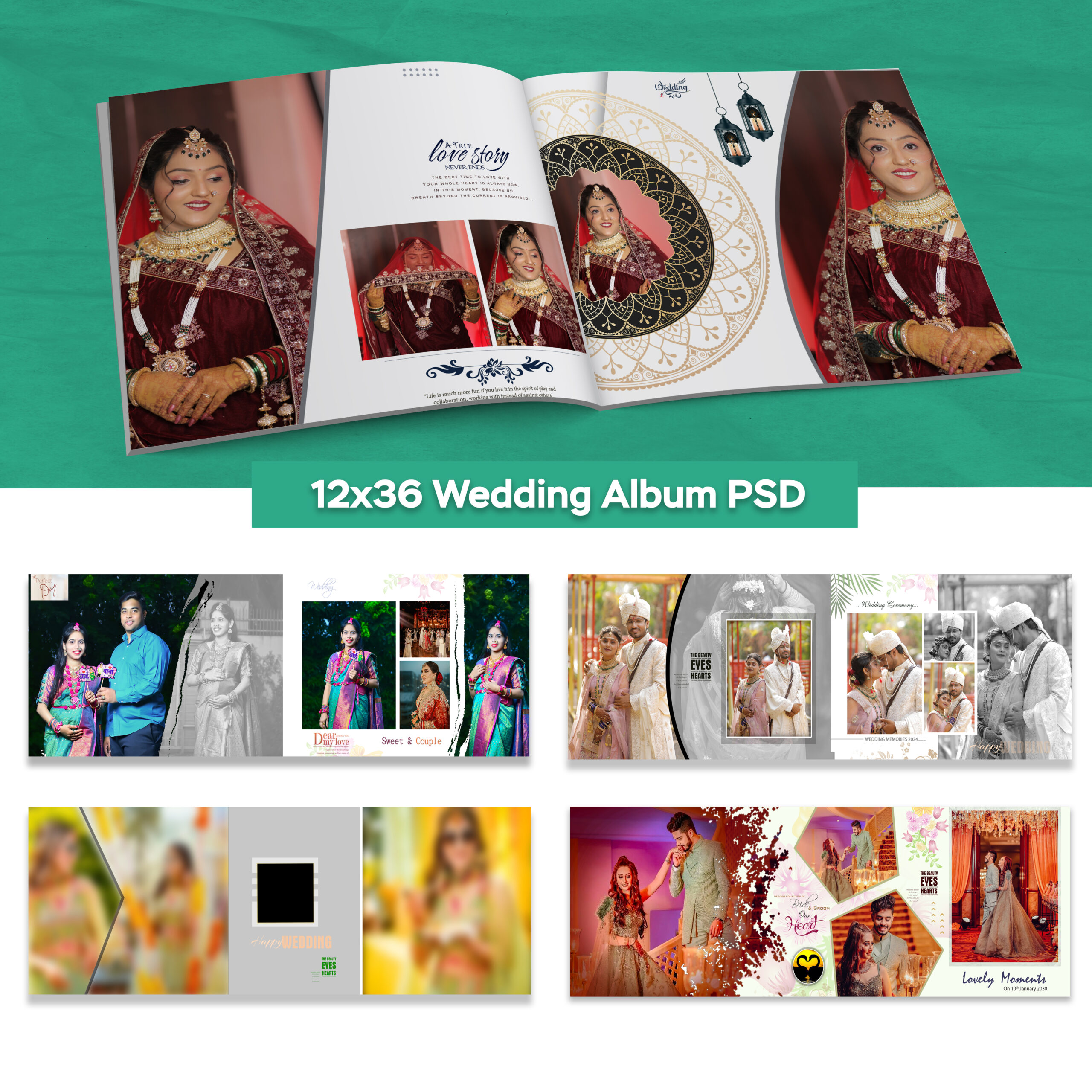
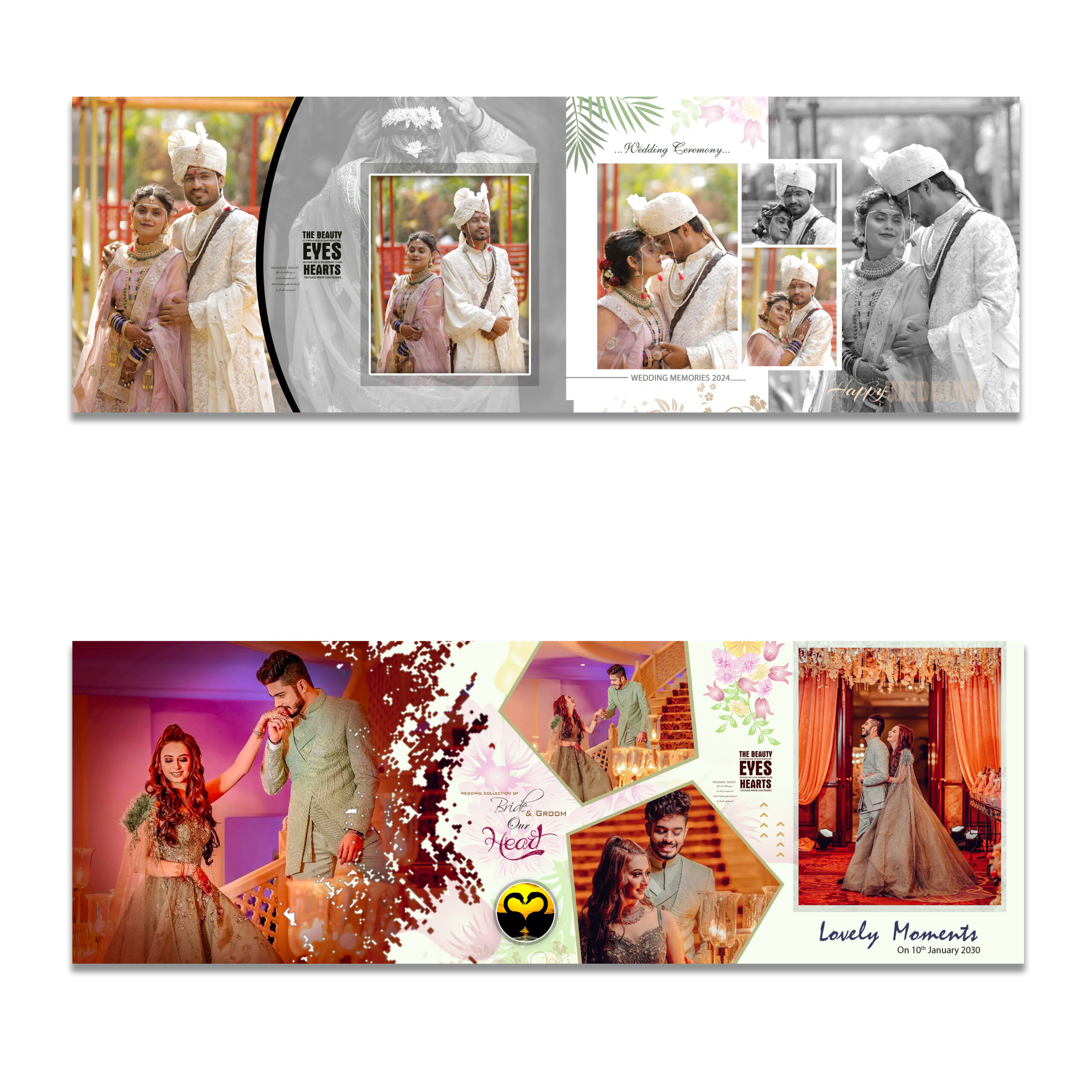
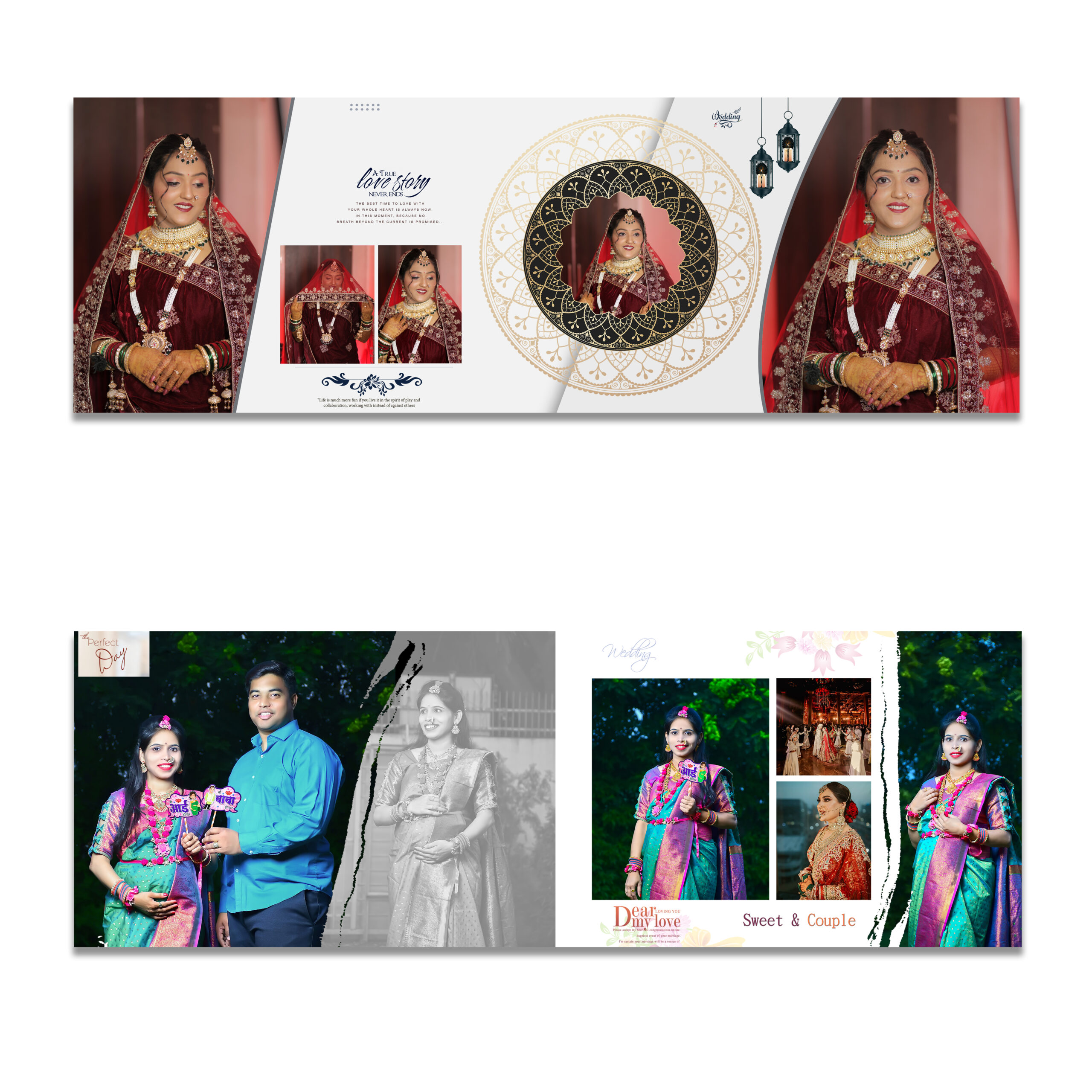
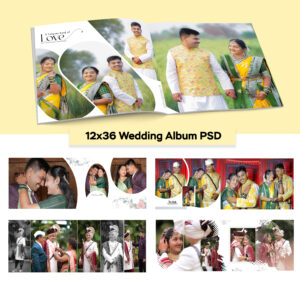
Get 5 beautifully designed wedding album PSD templates, perfect for photographers and graphic designers.
Overview
Every wedding deserves to be remembered in the most beautiful way possible. With our 5 Premium Wedding Album PSD Templates, you get a professional, ready-to-use design solution that transforms your photos into breathtaking keepsakes your clients will treasure for a lifetime. Whether you are a professional wedding photographer, a freelance graphic designer, or a creative wedding studio, these templates are designed to make your workflow faster, your albums more stunning, and your clients happier.
Each template in this collection has been thoughtfully crafted with elegance and versatility in mind. From the carefully considered typography to the sophisticated layout structures, every detail has been designed to complement wedding photography at its finest. Simply drop in your images, personalize the text, and deliver a polished, premium result — all in minutes.
What’s included
This bundle contains five distinct wedding album PSD templates, each offering a unique aesthetic and layout style. You get a total of five fully layered Photoshop files, covering a range of design moods — from minimalist and modern to romantic and classic. Every template is formatted to industry-standard print dimensions at 300 DPI, ensuring your albums look crisp and professional whether printed at home, through a local print shop, or with a professional album printing service.
All 5 templates are fully layered, organized, and labeled — no design experience required to customize them.
Key features
These wedding album PSD templates have been built with professional-grade features to give you complete creative control without the hassle of starting from scratch.
Each template is built on a fully layered structure, meaning every element — backgrounds, text, photo placeholders, decorative elements, and overlays — is organized on separate, clearly named layers. This makes customization intuitive and fast. You can swap photos using smart object placeholders with a simple double-click, change fonts and colors in seconds, and rearrange elements to match your unique creative vision.
The designs are print-ready at 300 DPI, ensuring that every album you produce meets professional printing standards. Whether you are creating a 10×10 inch album, a 12×12 spread, or a custom size for a client, scaling these templates is simple and retains sharpness at any print dimension.
The color schemes across all five templates have been selected to complement real wedding photography — soft neutrals, warm ivories, deep charcoals, and elegant golds that enhance your images rather than compete with them. You are never fighting the template for attention; the design always puts your photography front and center.
Who these templates are for
These templates are perfect for wedding photographers who want to offer album design services without the steep learning curve of building layouts from scratch. They are equally valuable for graphic designers working with wedding clients who need fast turnaround without sacrificing quality. Wedding studios and boutique photography businesses will find these templates especially useful for creating consistent, on-brand album designs across multiple clients and shoots.
Even if you are new to Photoshop, you will find these templates approachable. The layer organization is clean, the smart objects make photo replacement a breeze, and the design logic is straightforward enough that you can produce a professional result on your very first use.
How to use
Getting started takes just a few steps. Open the PSD file of your choice in Adobe Photoshop (CS6 or newer recommended). Navigate to the smart object layers designated for photos, double-click to open the placeholder, paste in your image, save, and the photo automatically fits the layout. Repeat for each photo slot in the spread. Adjust any text layers with your couple’s names, wedding date, or custom messages. Once satisfied, export as a high-resolution JPEG or TIFF for print delivery.
Why choose this collection
There are countless album templates available online, but most fall short in one of three areas — low resolution, poor layer organization, or designs that feel generic and dated. This collection was built differently. Every template was designed by an experienced graphic designer with a deep understanding of what wedding clients expect and what photographers need to deliver efficiently. The result is a set of templates that feel premium from the first glance and remain practical throughout the editing process.
By investing in this bundle, you save hours of design time per client, elevate the quality of your album offerings, and give your wedding business a professional edge that clients notice. These templates pay for themselves on the very first project.
Reviews
There are no reviews yet.